The RACHEL Initiative 

Remote Areas Community Hotspots for Education and Learning 

A program to advance Education through Technology in Emerging Countries.


Goals 

  • Leverage the large volume of open and free educational courseware and libraries available online and make them accessible to Emerging Countries communities with no Internet access or very limited bandwidth.

  • Empower these small communities by deploying a pre-packaged, self-contained, scalable and highly mobile Educational Servers Solution that can be accessed by basic wireless laptops (OLPC type) or wired PCs. 


Background

  • Several programs have been established to donate and send over used computers, laptops and even custom designed cheap laptops for use in under-developed regions of the world.  The intentions were great but most of the programs had no plan in place to provide education and learning materials or learning programs for these computers that can leverage the power of the educational materials available online. Without Internet infrastructure a very large number of these computers to this date are sitting idle and collecting dust in numerous community centers, high school and university classrooms across the under-developed world.
  • Our team has experienced first hand on the ground this sad situation. We've been in school campuses in Africa with classrooms with PCs on every desk. There were more computers than students in these classrooms, and they also had piles of extra PCs in storage rooms. But with no Internet access, or in another ones with extremelly limited bandwidth to the point of being unusuable. In many places in the world, kids, with access to computers for years, have never had the chance to experience Wikipedia, online videos, or thousands of free educational content and courseware available online.
  • As just one recent example, on January 10th 2009, a conference by the United Nations Global Alliance for Information and Communication Technology and Development (UNGAID), in Las Vegas, announced the 500/12 Initiative, to provide 500,000 computers in 60 countries by 2012. Again there are no concrete plans on providing  learning programs to be used with the potential of the new half million PCs, nor considerations for the availability of Internet access, where tremendous educational resources are available, on the target deployment locations.
  • Education is the key enabler for the human development in African countries.
  • 50% of the world population is 17 years old or younger. Most very eager to learn and get educated.
  • There are very large number of online and free educational resources in the Internet. But:
  • No Internet access in most rural or remote areas educational centers.


Solution Description

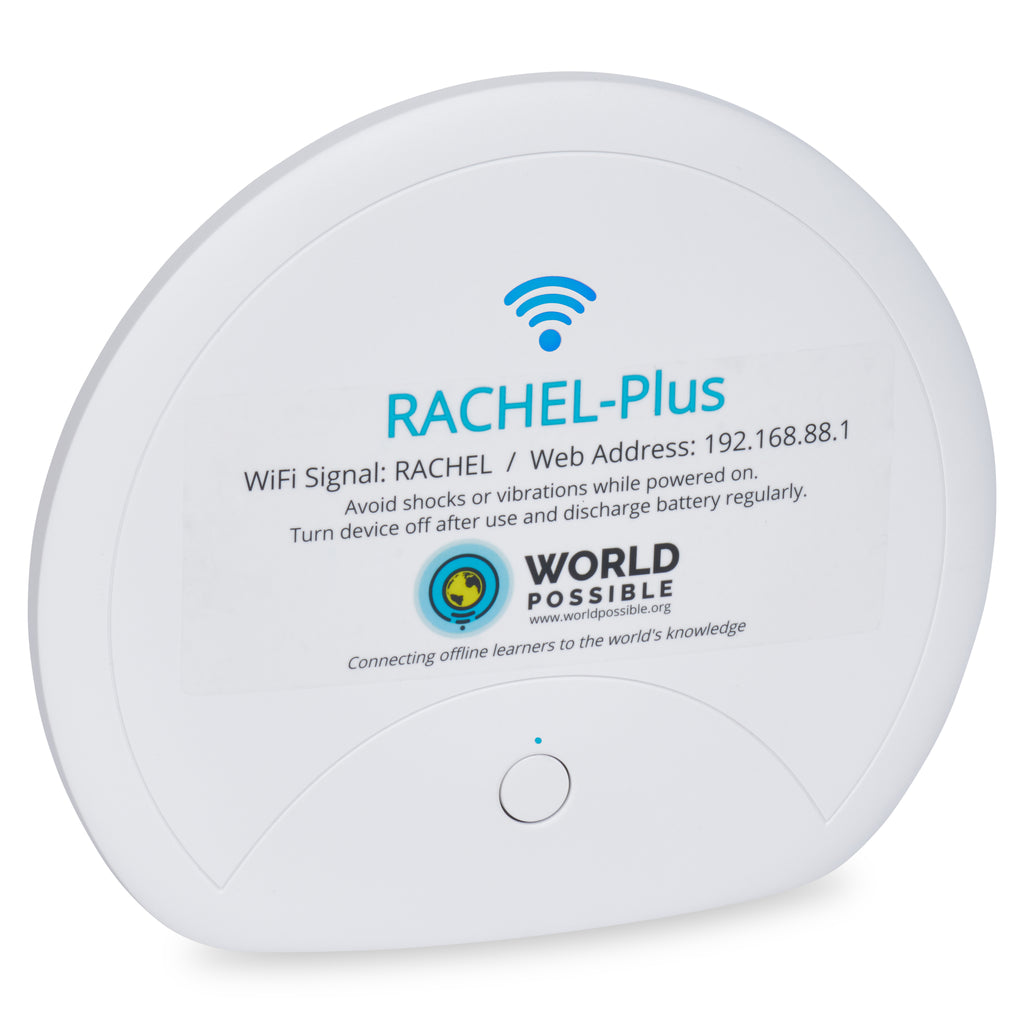
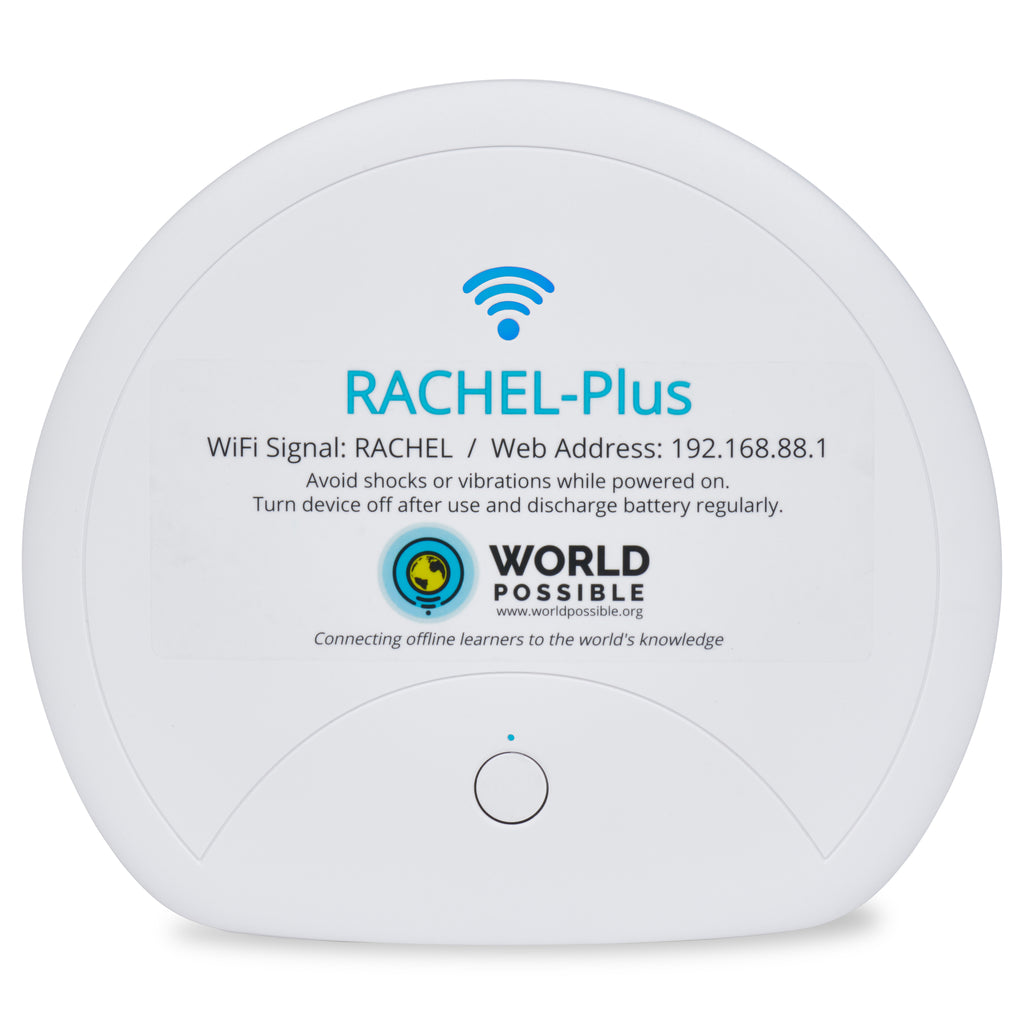
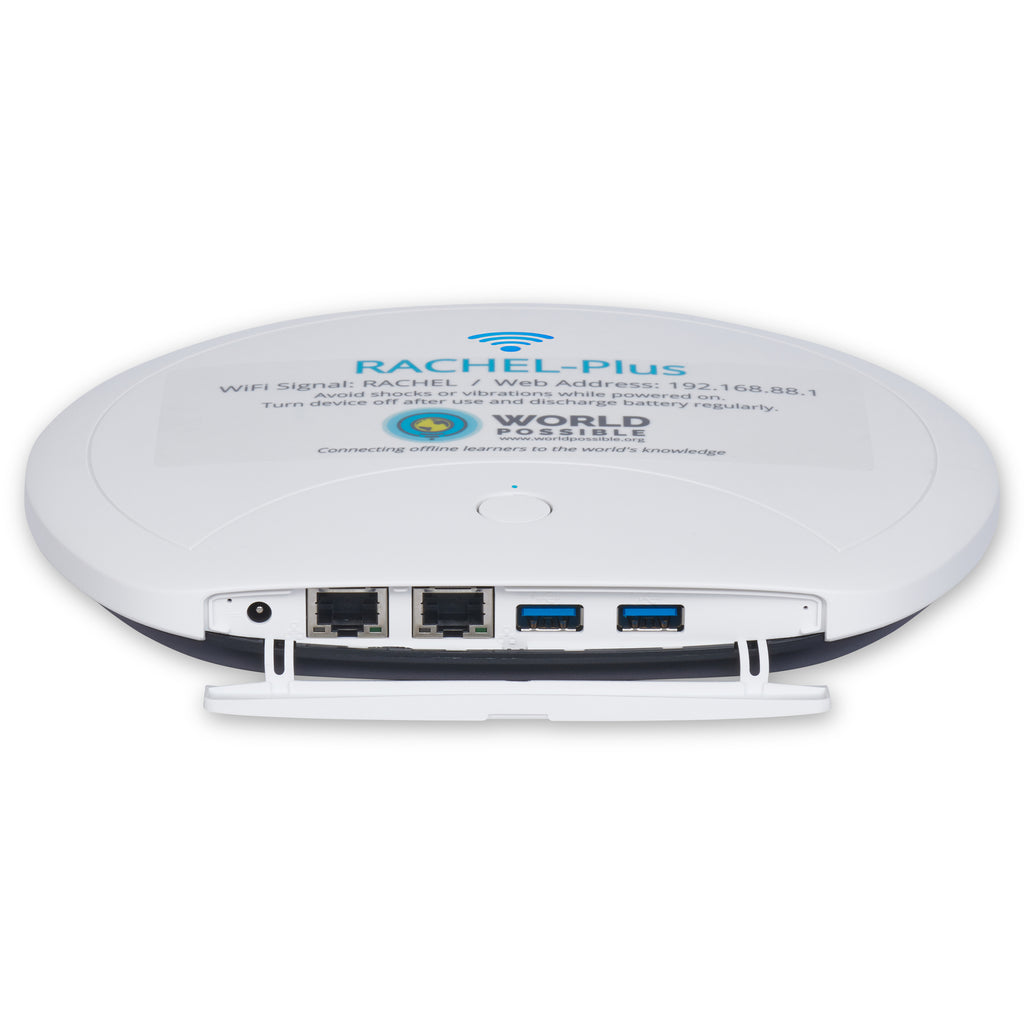
  • Ultra-mobile, self-contained, pre-packaged solutions(Server, Courseware, router, switch, wireless access point).
  • The whole solution can fit in a school backpack.
  • It addresses worst-case scenario of locations with no available Internet access. Just a power outlet required.
  • If Internet connectivity is available with a minimum bandwidth the Rachel Server will make available links to complementary internet resources also.
  • No large capacity storage required in students computers. Or no storage at all. 
  • Upgradeable. New educational packages or courseware can be added/updated.
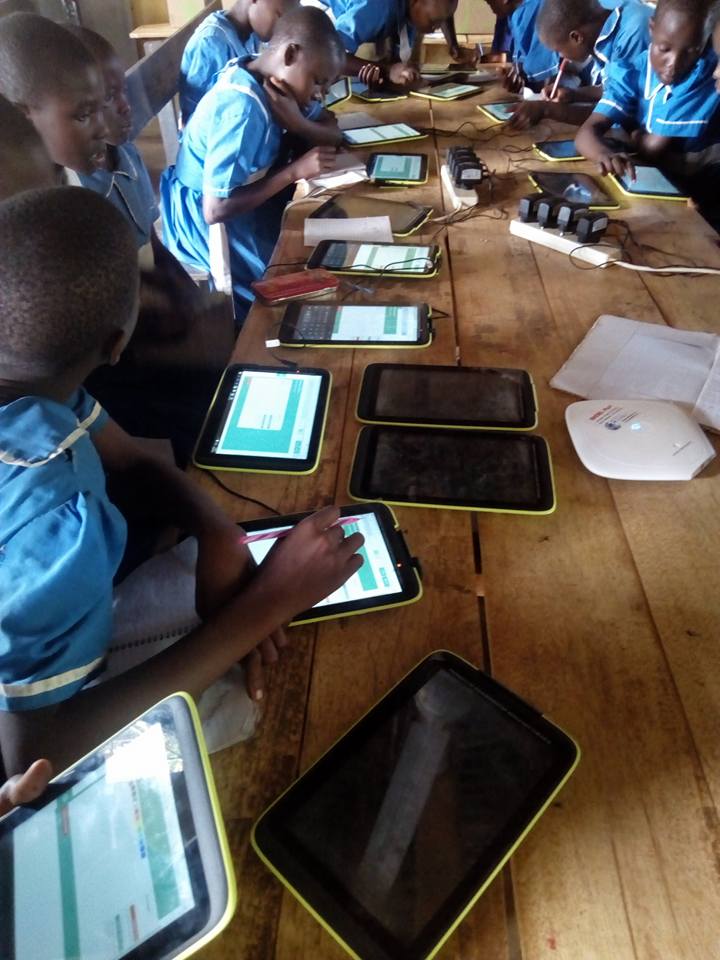
  • All material is accessible via a web browser on a student computer connected (wirelessly or wired) to the Rachel Server.
  • The Rachel Educational Web Portal is the main point of entry to all educational content.
  • Ideal for self-paced learning.
  • More of a Mobile Public Library than a formal school program. 
  • Focus on STEM (Science, Technology, Engineering and Mathematics) disciplines courseware.
  • Other content: World literature classics, Encyclopedias.

Benefits Summary

  • Promotes the motivation and intellectual curiosity of the community, which will be exposed, in many cases for their first time, to the capabilities that 21st century technologies can provide to the learning experience, which, in itself, is another valuable learning experience. 
  • Enables independent self-starters and motivated children and individuals to pursue their learning interests.
  • Benefits both students and teachers, as the teachers will gain exposure to new learning tools to complement local programs and materials. It won't replace teachers, but will support them as well as parents on their current educational efforts.


Deployment Scenarios


Scenario 1: Remote area. No internet. Wireless laptops available.


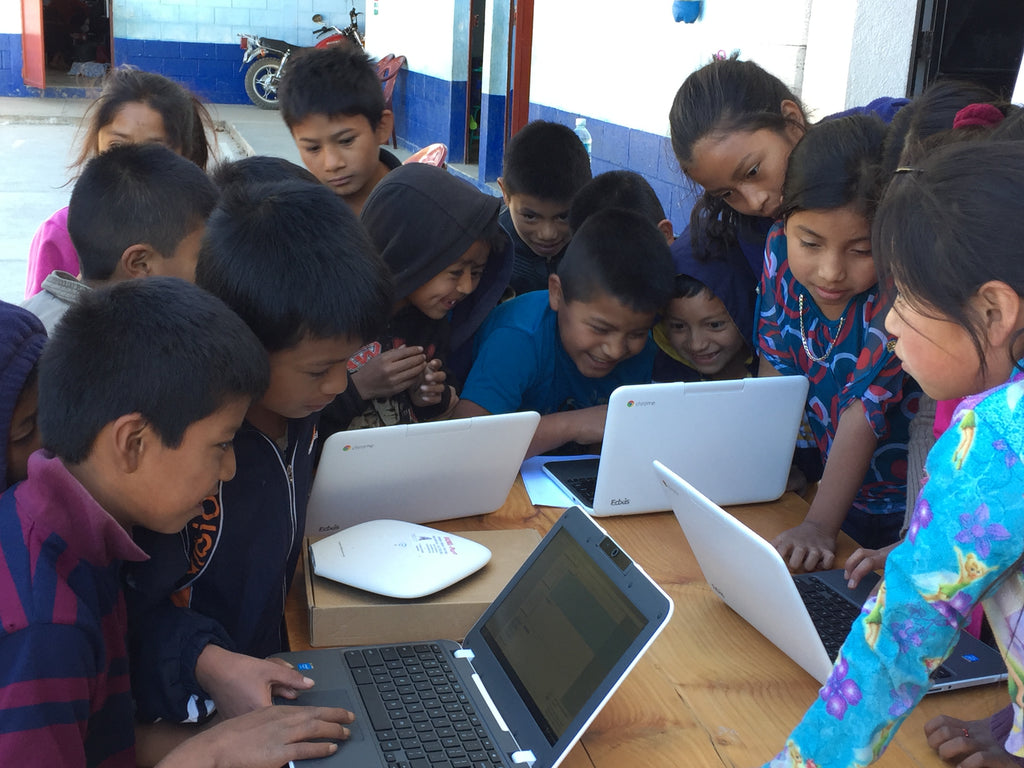
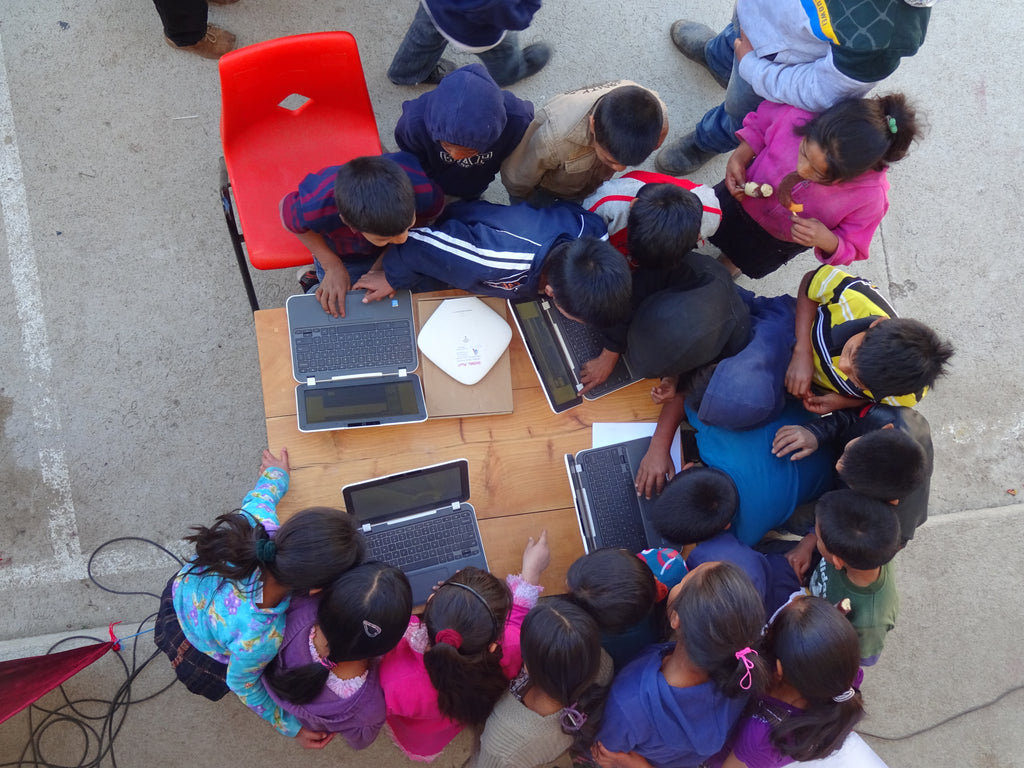
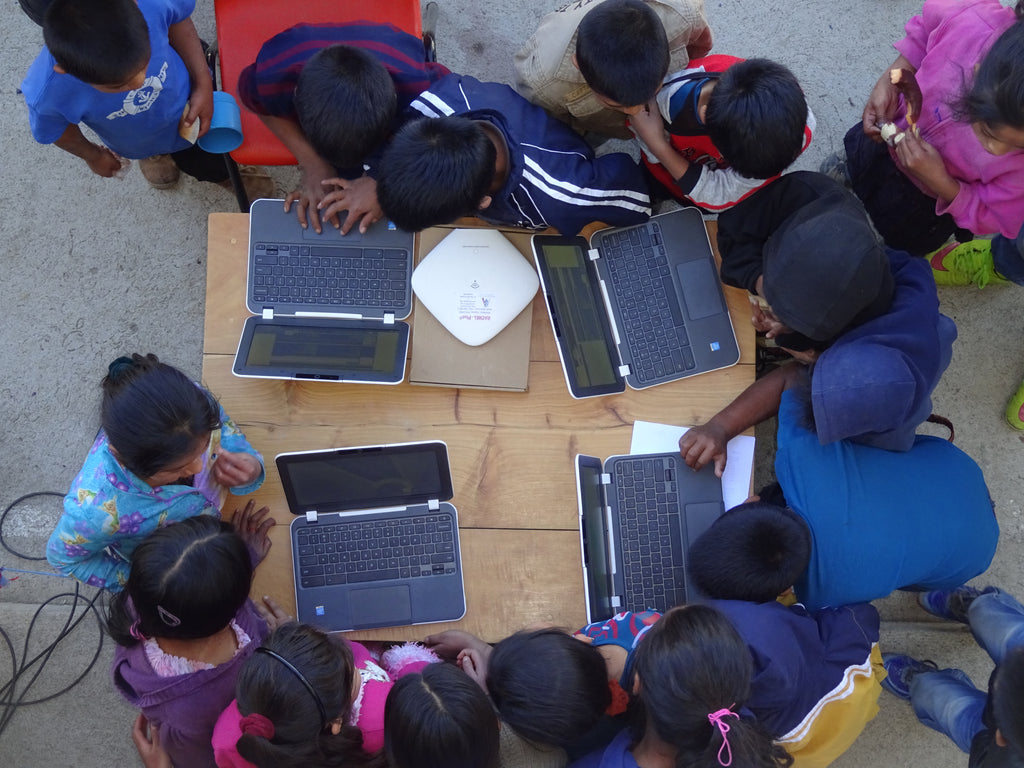
Children with wireless enabled laptops - Children go to the RACHEL Educational Hot Spot (like in an existing school, or a public building / space). 

- They are provided a wireless enabled laptop, connect to the Rachel network, launch the EHS Portal site with their web browser and start an educational program or course, or consult an encyclopedia, or read educational content/documents, or any other self-paced learning.
 
- Tutors guide first-time students/visitors.


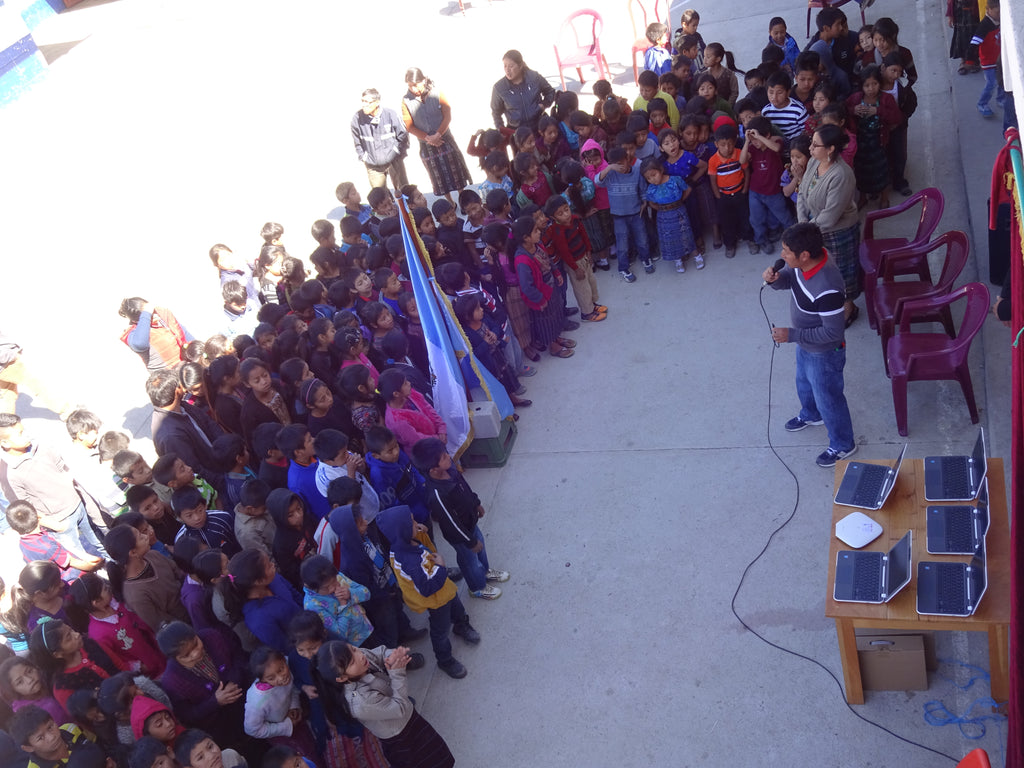
- Motivated community volunteers are trained to operate the Rachel box, and will serve as tutors.


Scenario 2: School with networked computers (LAN).


Classroom with computers wired to a LAN - A high school or college campus has plenty of computers, which are connected to a LAN. The on campus network is very good but the internet connectivity is very poor: low bandwidth, lots of hops to the most popular online resources (mostly located in the US), packet drops.

- A high school or college campus has plenty of computers, which are connected to a LAN. The on campus network is very good but the internet connectivity is very poor: low bandwidth, lots of hops to the most popular online resources (mostly located in the US), packet drops.

- A Rachel server is plugged to the network, which makes available immediately a rich online library and educational courseware to the whole campus/school. 

- The Rachel server also provides a web 2.0 set of communication and collaboration tools (Wikis, discussion groups, Blogs platform) that can be used for school projects and to publish students and teachers generated content.

- The Rachel server can be updated with new courseware sent to the schools by CDs and/or USB drives.

 - Some advanced students and school staff volunteer to maintain and update the platform, as well as to administer the new web 2.0 tools and promote its utilization within the school.

Scenario 3: School or community center with PCs not connected to a network.

Learning Station


- Thousands of places around the word count with a few relatively modern PCs that were donated and which can only be used as standalone systems, that is for word processing, or using any software installed in them, but are not networked.

- The Rachel solution includes the capability for these scenarios of inter-connecting up to 23 of these PCs to a local network with a Rachel server that makes immediately available a very large and rich set of content that can be accessed by a web browser from these PCs. 

- In a small number of computers scenario, like 2 or 3, a Rachel server can be the hub of a "Learning Station",  or "Homework Station", where people access the connected computers as in a public library, like consulting Wikipedia for school related projects, as self-paced tutoring, etc.

- As described above, the server can be updated.


Rachel Server Technology

Server solutions and configurations:

Any computer that can be connected to a network, that can run a web server, and that has enough storage to host the educational content could be repurposed to be used as a RACHEL Educational Server.
Also, any already existing computer in a target area with the above characteristics can be repurposed very quickly to serve the Rachel content, via a USB drive based content server.


Here are some guidelines and characteristics of a package for a standalone server to be deployed on the ground:

  • Small footprint server hardware.
  • Pre-configured Router/switch (4 port)/wireless access point.
  • Network cables.
  • 100/240 v power adapter + power cable + world plug set.
  • Backpack to store/hold/carry the whole package.
  • UNIX type OS (Linux, BSD, Mac OS/Darwin).
  • Apache web server.
  • Web 2.0 tools installed and configured: (Wiki, Blogging, discussion groups applications)
  • Rachel courseware installed and configured.


Courseware:

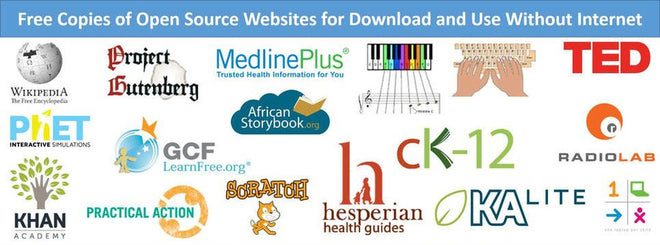
Encyclopedia: Packaged Wikipedia for Schools.

Medical references: Encyclopedias and Health Care guides. 

Thousands of ebooks, from Project Gutenberg, organized in Bookshelfs, from children's books to world literature classics.

Thousands of high quality video lessons on Math and science topics.

Whole MIT Open Courseware (OCW). More than 200 GB of content for 1,800 courses (Special RACHEL package)

Many more excellent free educational content and open courseware is available online. We are in contact with many of these quality educational content providers and are in the process of incorporating their generously provided content to our solution.

Take a look at a sample of a Rachel server content at http://rachel.worldpossible.org

 
Our Courseware Guidelines
 
  • All content is to be hosted in a web server, and only accessed online from a web browser. (no installable PC/Mac software. No dependant on Internet connectivity for any function)
  • Acceptable content from courseware contributors:
    • Self-contained: no Internet access required.
    • Flash Games (including enclosing HTML pages).
    • PDF documents.
    • HTML content of any number of levels (directories).
    • Media: Educational videos (flash,QuickTime, avi), audio (mp3).
    • If using server side technologies (like interactive educational games) the runtime must run on a UNIX OS (PHP, Perl, Python, Ruby)
    • If using a database it must be MySQL.


Current Volunteering Tracks


These are some of the tracks we are working on:


Portal Content Management:

  • Identify ideal content structure and related modules (by subject, category, language, student age, educational level, etc)
  • Define the information structure of the server portal and associated user facing interface.
  • Classify new content.
  • QA of published content. 

Educational Content acquisition:

  • Identify educational content providers (CP)
  • Keep updated the log of the free/open content provider candidates.
  • Contact CPs. 
  • Work with CP to clarify the content format requirements and any other item.
  • Receive /retrieve donated content from the CP.
  • Format/Edit content if necessary for Rachel.
  • Tests/QA the new content.
  • Classify the content.
  • Place content in a Rachel POC server or work about it with a hardware/platform team member.
  • Define the Links to the new content from Rachel Portal (if not automated CMS is in place),
  • Keep the relationship with the CP.
  • Language specific subtasks:
    • Collect existing educational materials based on regional languages.
    • Translations.

Educational Content Creation or aggregation:

  • Create HTML wrappers /pages with educational videos downloaded from youtube or another free videos sites (yes, many qualityeducational videos can be also found in youtube...).
  • Create HTML wrappers/ pages for downloaded no license or Creative Commons literary works (ebooks). For instance from Gutemberg.org. This can include most literature classics. Goal: build a classic literature library.
  • Create HTML wrappers/ pages for Creative Commons licensed classical music. Goal: build basic library of classical music.
  • Implement global search capabilities on the full server content.
  • Implement a content management system (CMS) to categorize, author, review, publish and display the Rachel content.
  • Build automated processes to download existing content in the Internet and package it for its use in Rachel.

Hardware acquisition:

  • Identify donors for hardware components.
  • Contact donors and follow ups.
  • Coordinate delivery or pick up.
  • Confirm reception. QA.
  • Maintain relationship with donors. 

Rachel Servers Set Up and configuration:

  • Identify minimum hardware configurations for standalone Rachel servers.
  • Identify minimum set of software components for the platform (Scripting languages, database, system components, Web 2.0 tools, CMS).
  • Build/Pilot hardware configurations that satisfy the Rachel deployment scenarios,with the goal of defining the configuration above.
  • Setup a lab environment for the project.
  • OS installation/configuration.
  • Web server configuration.
  • Platforn tools installation and configuration (PHP, MySQL, Web 2.0 communication and collaboration tools).
  • Networking configuration (includes router/switch/WAP configuration)
  • Loading of Educational content.
  • Testing
  • Packaging (server, router/WAP, cables, power adaptor, media (CD,DVDs).)
  • Writing and publishing of Field Deployment Guides, Support and Maintenance Guides and other documentation.
  • Deployments. Set ups and configurations onsite for en-the-ground programs.
  • Training of non-technical team members for deployments.
  • Training of local users on support and maintenance tasks.


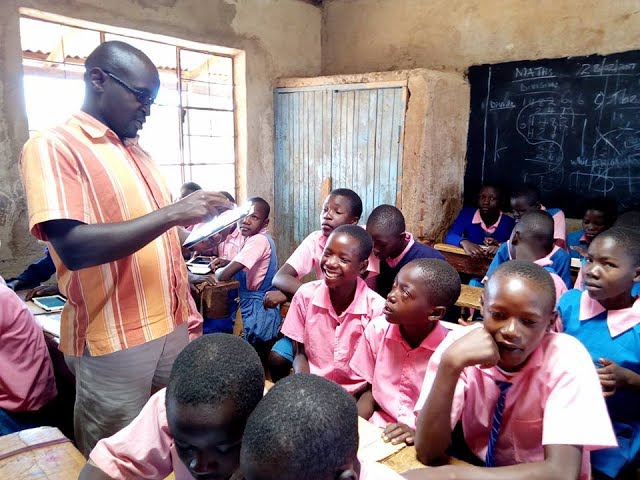
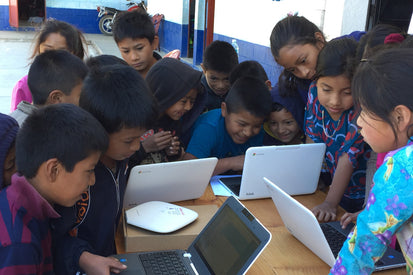
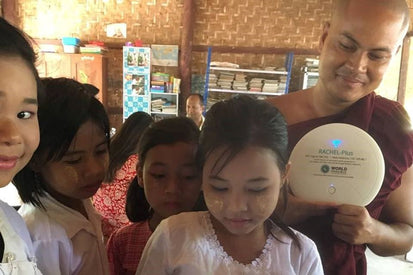
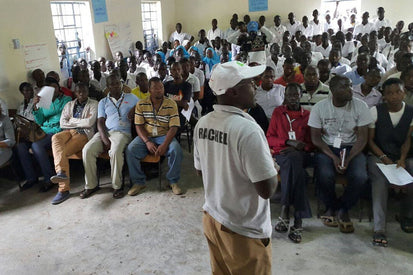
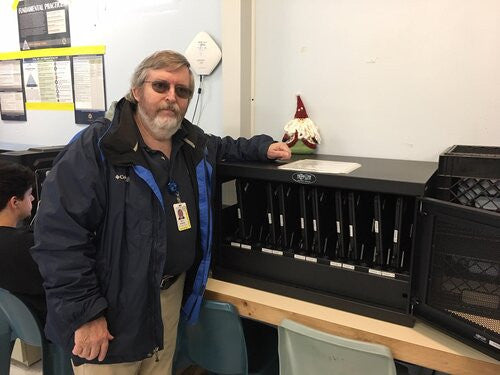
Some deployments on the field:


How to Contribute

Contact us at  This e-mail address is being protected from spambots. You need JavaScript enabled to view it


Please register or login to add your comments to this article.